
How-to
Filter by Subject, Curriculum, or Grade Level
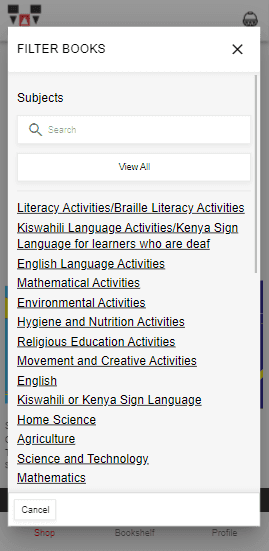
On the featured books, when you click on the “Filter +” button to pop up the FILTER BOOKS screen. You can click on any of the Subjects, or search f...
eKitabu Support·Updated 22 May 2026·1 min read
- On the featured books, when you click on the “Filter +” button to pop up the FILTER BOOKS screen.
- You can click on any of the Subjects, or search for a category
- Scroll down to see the available Grade Levels.
- Once you click on a category, the books you see will be in that category
×