
How-to
To buy a book - add it to your cart
Click the “Add to Cart” button to add a book to your cart. Want to find more books? Click the “Shop” button at the bottom of the screen, or the eKi...
eKitabu Support·Updated 22 May 2026·1 min read
Click the “Add to Cart” button to add a book to your cart.
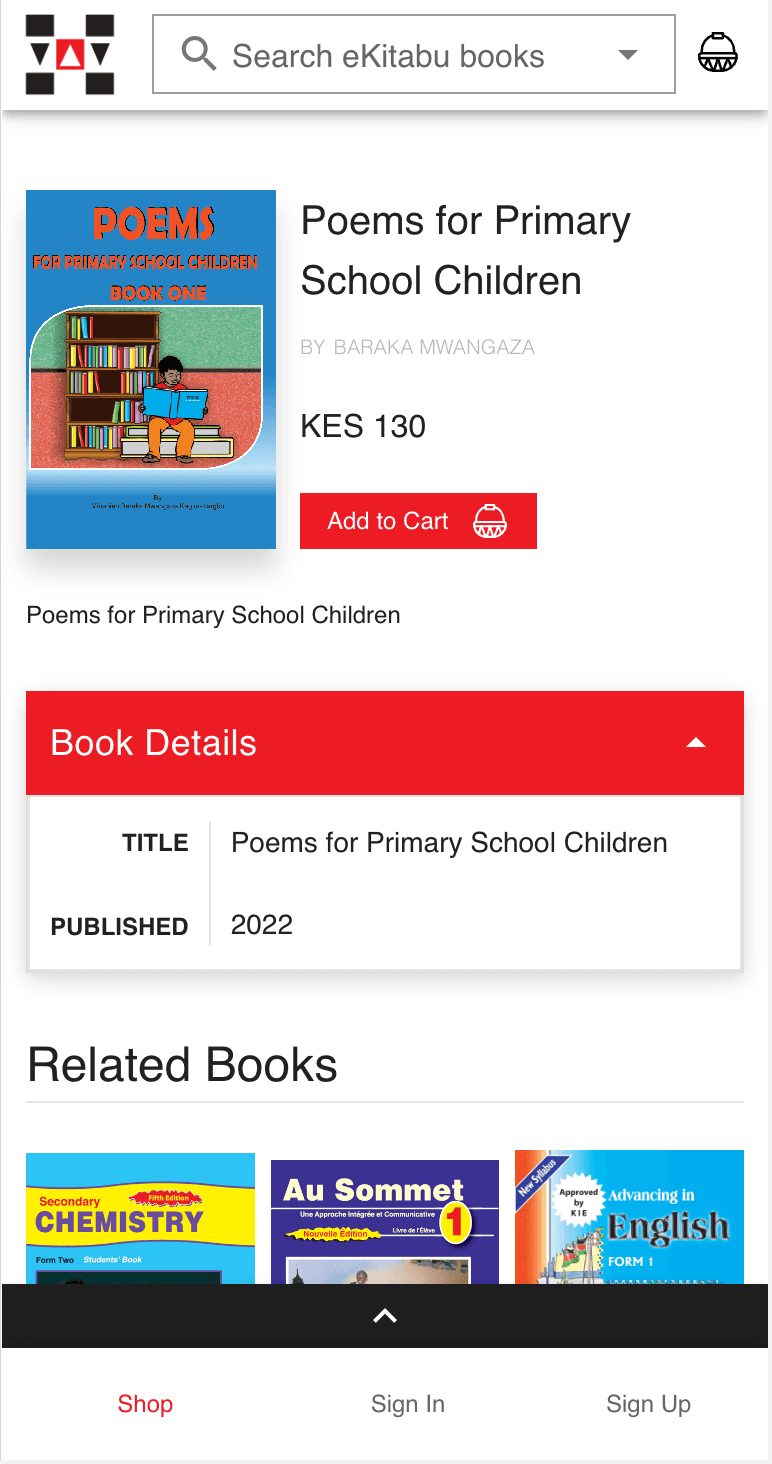
Want to find more books? Click the “Shop” button at the bottom of the screen, or the eKitabu logo at the top to return to the main shop. Or, just type something into the “Search eKitabu books” to search!
×